


On this page
On screen or on paper?
There are two ways to sign a document you’re going to fax:
- On screen: you draw or add your signature on the PDF with your finger, a trackpad, a mouse or a stylus, and save the signed copy.
- On paper: you print the document, sign it in ink, then scan or photograph the signed pages.
Whether a signature added on screen is accepted is up to the recipient. Some require an ink signature on certain faxed forms: the IRS, for example, requires one on Forms 2848 and 8821 sent by fax (see how to fax the IRS). When a form or letter asks for an original or ink signature, or you’re not sure, sign on paper.
On an iPhone or iPad
- Open the PDF on your iPhone. If you’re asked to, open it in the Files app and tap Save.
- Tap the Add button (+), then Add Signature.
- Sign with your finger and tap Done.
- Drag the signature where it should go, then tap the Back button to save the document.
In apps with Markup, such as Mail for an attachment, tap the Markup button first, then the Add button (+) and Add Signature. Your iPhone keeps the signature for next time.
On an Android phone
In the Google Drive app, open the PDF and tap Edit, then Form Filling, to type into the form’s fields, then save it. You can also draw on the PDF with Drive’s annotate pen.
The Adobe Acrobat Reader app also has a Fill & Sign tool: tap Signature, then Add signature, draw it and tap Done. Place it on the page and tap the checkmark to save. Once saved, the signature can’t be moved.
On a Mac
Open the PDF in Preview, click the Show Markup Toolbar button, then the Sign button. Create your signature with the trackpad, with the Mac’s camera by holding up a signature written on white paper, or with your iPhone or iPad. Click the signature to add it, drag it into place and resize it.
On a Windows PC
Microsoft Edge opens PDFs, and its inking tool lets you write your signature on the page. It can also add text, and save a copy with your changes.
The free Adobe Acrobat Reader also signs PDFs: open Fill & Sign, choose to add a signature, then type it, draw it or use an image of it, and click Apply. Click where the signature goes, then save the PDF.
On a Chromebook
Open the PDF from the Files app in Gallery. Use the signature button to draw your signature, then Place signature, and click Save at the top right. To get the document ready to fax, see how to fax from a Chromebook.
Before you fax it
- Sign in black or another dark color. A fax is printed in black and white, and a thin, pale signature can fade. See how to prepare a document for fax.
- Check every page that needs a signature, initials or a date.
- Check that the signature prints. FaxTonic prepares pages the way they print: open the print preview of the signed copy, and if the signature doesn’t show there, it won’t show on the fax either.
- Add the signed copy to the fax, not the original you started from.
Fax the signed PDF with FaxTonic
- Open FaxTonic and add the signed PDF, or the scan of your signed pages. The cover page is free.
- Choose the country and type the fax number.
- Check the total, $1.49 a page to the United States, and pay by card.
- Follow the fax on its status page until the receiving machine confirms it.
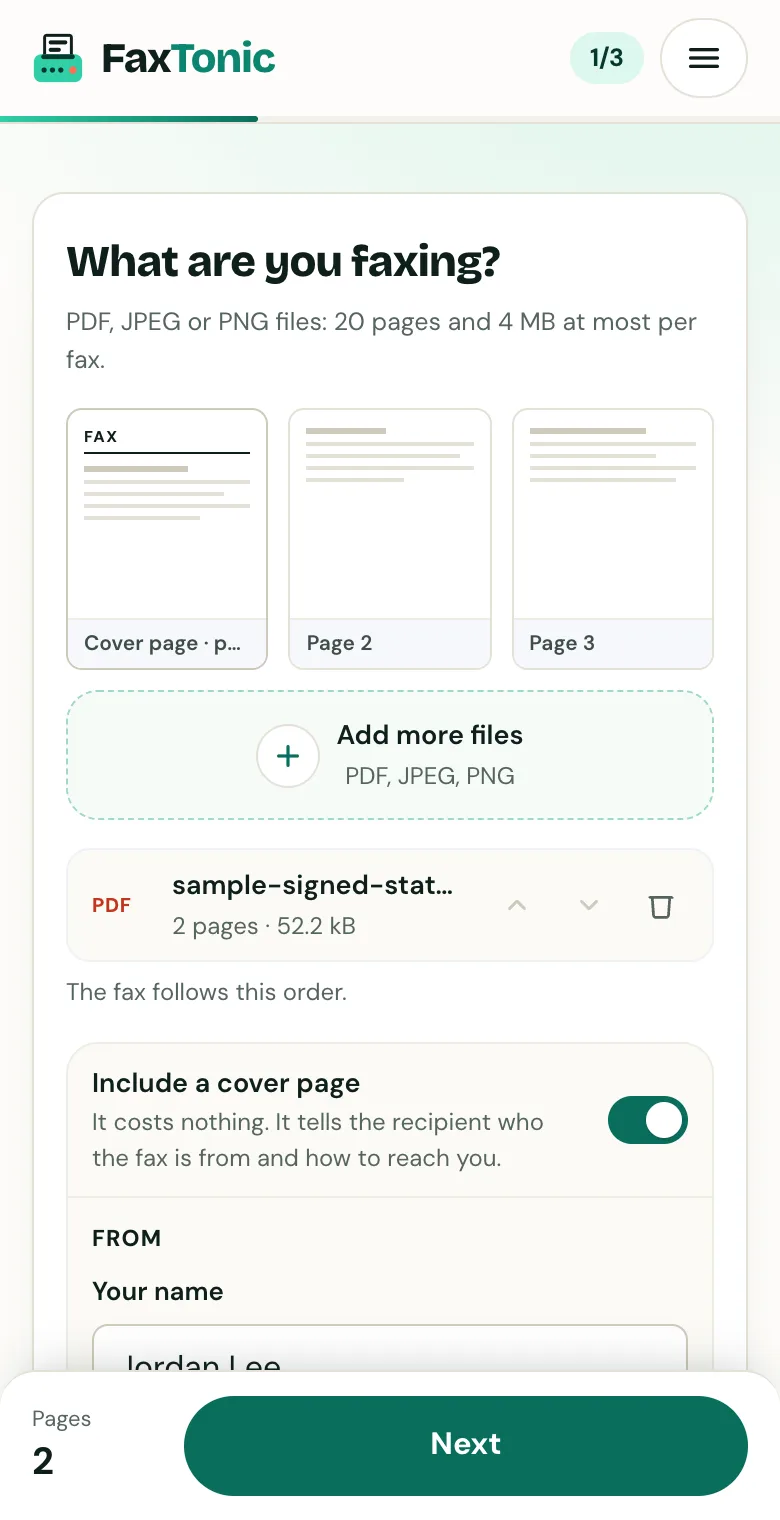
Add your file. The cover page is free, and you can turn it off.
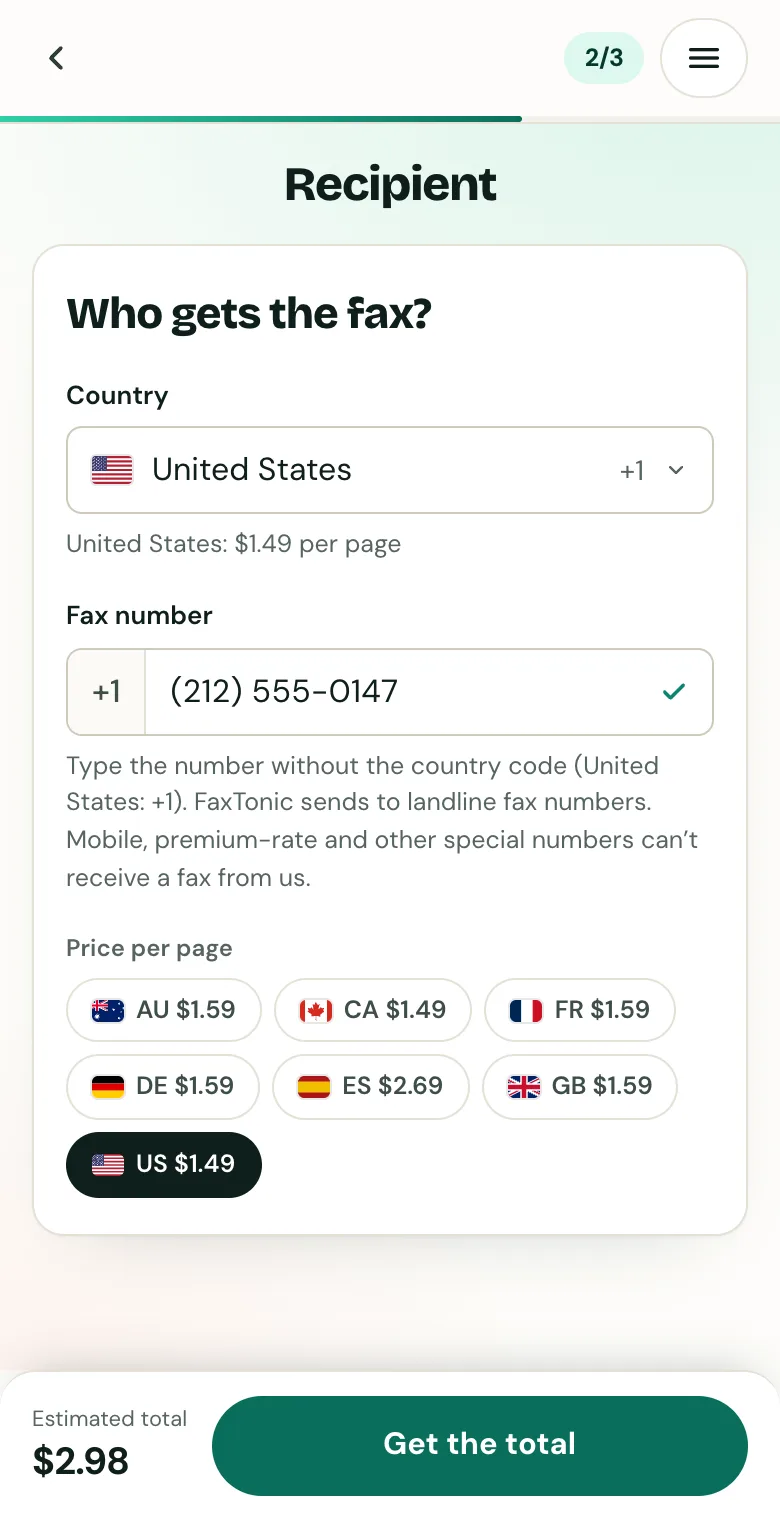
Pick the country and type the fax number.
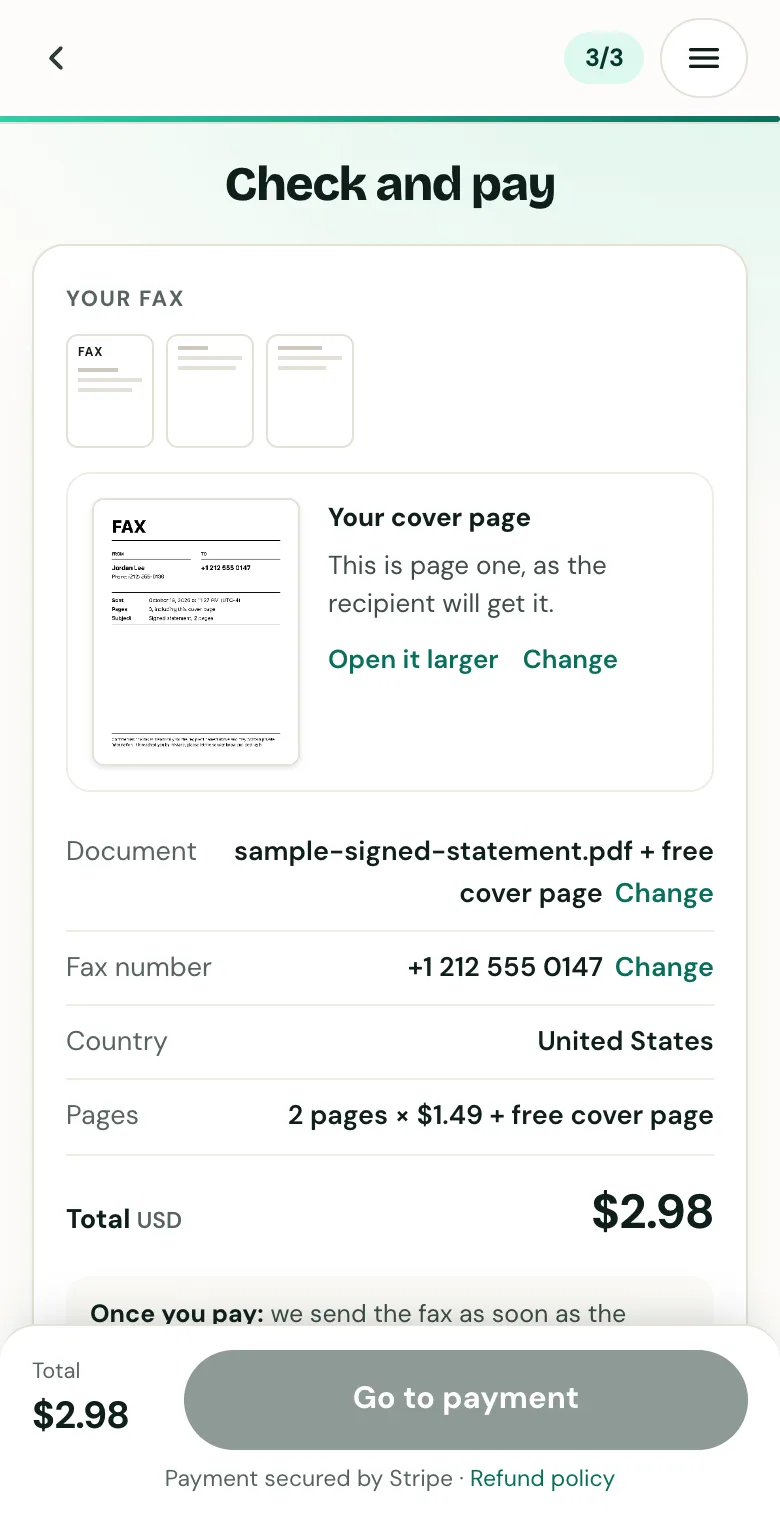
Check the cover page, the number and the total before you pay.
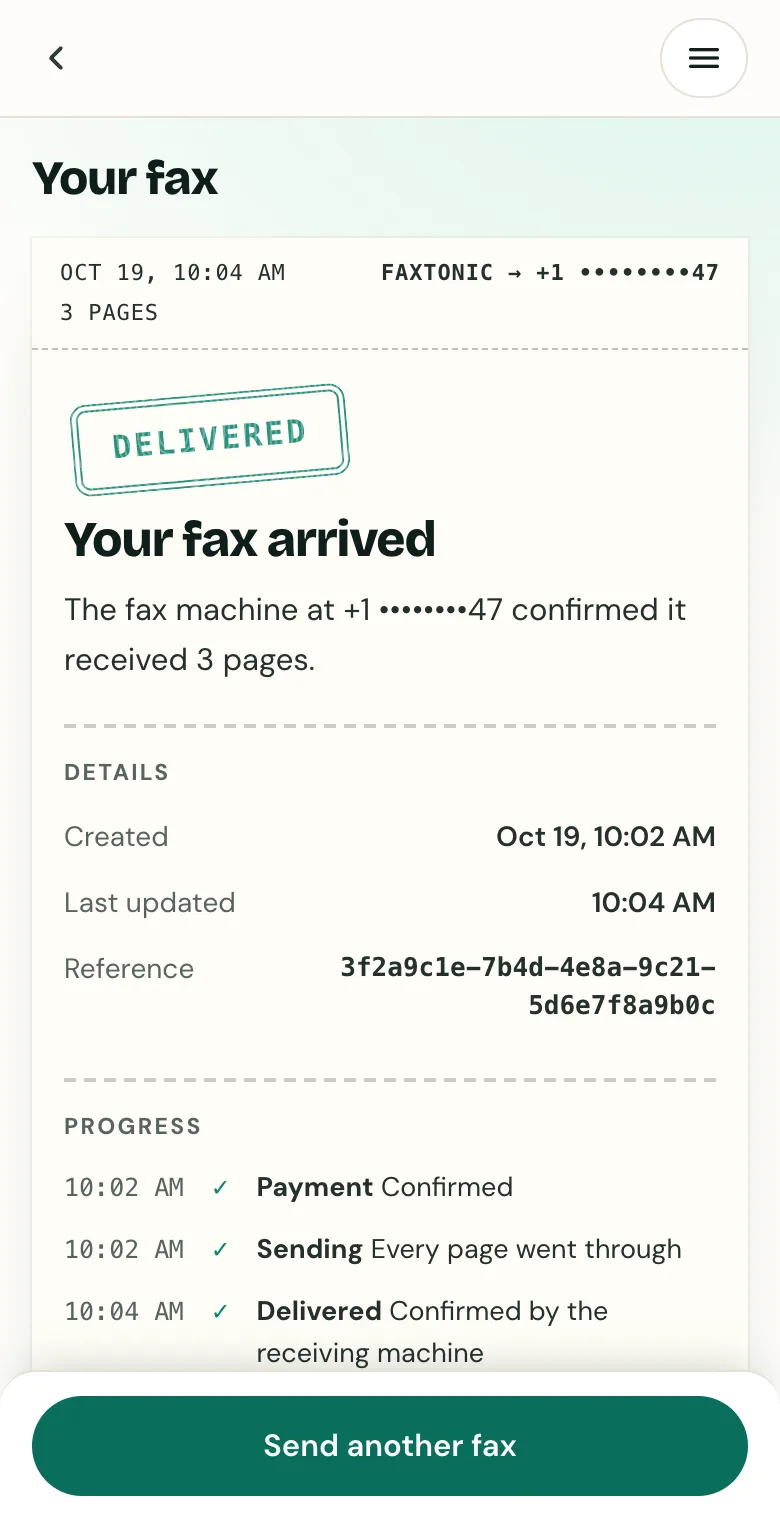
Follow your fax: the status page shows when it’s delivered.
Official sources
- Apple: Fill out forms, sign documents, and create signatures on iPhone
- Apple: Annotate email attachments on iPhone
- Google: Fill out PDF forms in Google Drive (Android)
- Google: Annotate PDFs with a stylus or freehand on Android
- Adobe: Fill and sign PDF forms in Acrobat on mobile
- Apple: Fill out and sign PDF forms in Preview on Mac
- Microsoft: PDF reader in Microsoft Edge
- Microsoft: Edge PDF reader (add text, save a copy with your markings)
- Adobe: Sign PDFs in Adobe Acrobat Reader
- Adobe: Acrobat Reader FAQ (Reader is free)
- Google: Check, edit and sign PDFs on a Chromebook
- IRS: Submit Forms 2848 and 8821 online (faxed forms need an ink signature)
FaxTonic is an independent fax service. It isn’t affiliated with or endorsed by any agency, insurer, court or company named in this guide. Fax numbers and rules change: when a letter or form gives you a fax number, use that one.