



On this page
A first appeal to the Appeals Section
Your determination letter has an Appeal Rights section with the deadline and the instructions for your case: follow it. DES takes first appeals by fax at 919-341-5691, by email to des.public.appeals@commerce.nc.gov, or by mail to DES Appeals, PO Box 25903, Raleigh, NC 27611-5903. It says to allow several weeks or longer for an appeal sent these ways to be reviewed and a hearing scheduled.
An appeal by phone doesn’t count: it must be in writing, though no particular form is needed. It should state:
- that you appeal or disagree with the determination;
- the Issue ID or docket number from your determination letter;
- your full legal name, and your job title if you’re appealing as an employer;
- your phone number and email address;
- a detailed statement of why you’re appealing;
- any evidence you want considered at the hearing.
What you can’t appeal
DES lists decisions that can’t be appealed, and says trying may delay your claim: pending issues and incomplete claims, the monetary determination (including a “monetarily ineligible” status), wage protests, your weekly benefit amount, excessive earnings that stop a payment, weekly certifications, claim effective dates and backdating requests, and waiting-week waivers. For these, call the UI Support Center at 888-737-0259.
Documents for the hearing
After you appeal, DES sends a notice of hearing with the date and time, the issues to be decided and your appeals referee’s contact information. To have a document considered, mail, fax or deliver a copy to the appeals referee and to each other party before the hearing date.
Use the fax number on your hearing notice. If you can’t reach anyone there, DES gives the Appeals Section’s number, 919-341-5691.
Faxing the appeals referee doesn’t send your documents to the other party: send them a copy too. If the employer gives a fax number, FaxTonic can send that copy as a second fax.
Appealing to the Board of Review
If you disagree with the appeals referee’s decision, you can appeal to the Board of Review within 10 days of the date the decision is mailed. If the last day falls on a weekend or a holiday, you have until the next business day. File online in your MyNCUIBenefits account, by mail to Appeals Clerk – Level 2, Board of Review, PO Box 28263, Raleigh, NC 27611, by email to Des.ha.appeals@commerce.nc.gov, or by fax at 919-341-5694.
Explain why you disagree: the Board says that only saying you disagree isn’t enough. It reviews the evidence already given to the appeals referee, so if you have new evidence, say why it wasn’t shared before and why it matters.
How to fax a North Carolina appeal with FaxTonic
- Write your appeal with every item listed above, and attach your evidence.
- Scan the pages, or photograph each one flat. FaxTonic takes PDF, JPEG, and PNG files, with up to 20 pages per fax and 4 MB once prepared for faxing.
- Upload the file to FaxTonic. On the free cover page, use your Issue ID or docket number as the subject, and add your name and a phone number.
- Choose the United States and enter 919-341-5691 for a first appeal, or 919-341-5694 for the Board of Review. Check the price, $1.49 a page, and pay by card before your deadline.
- Once the fax is delivered, save a screenshot of the status page and keep it with a copy of what you sent.
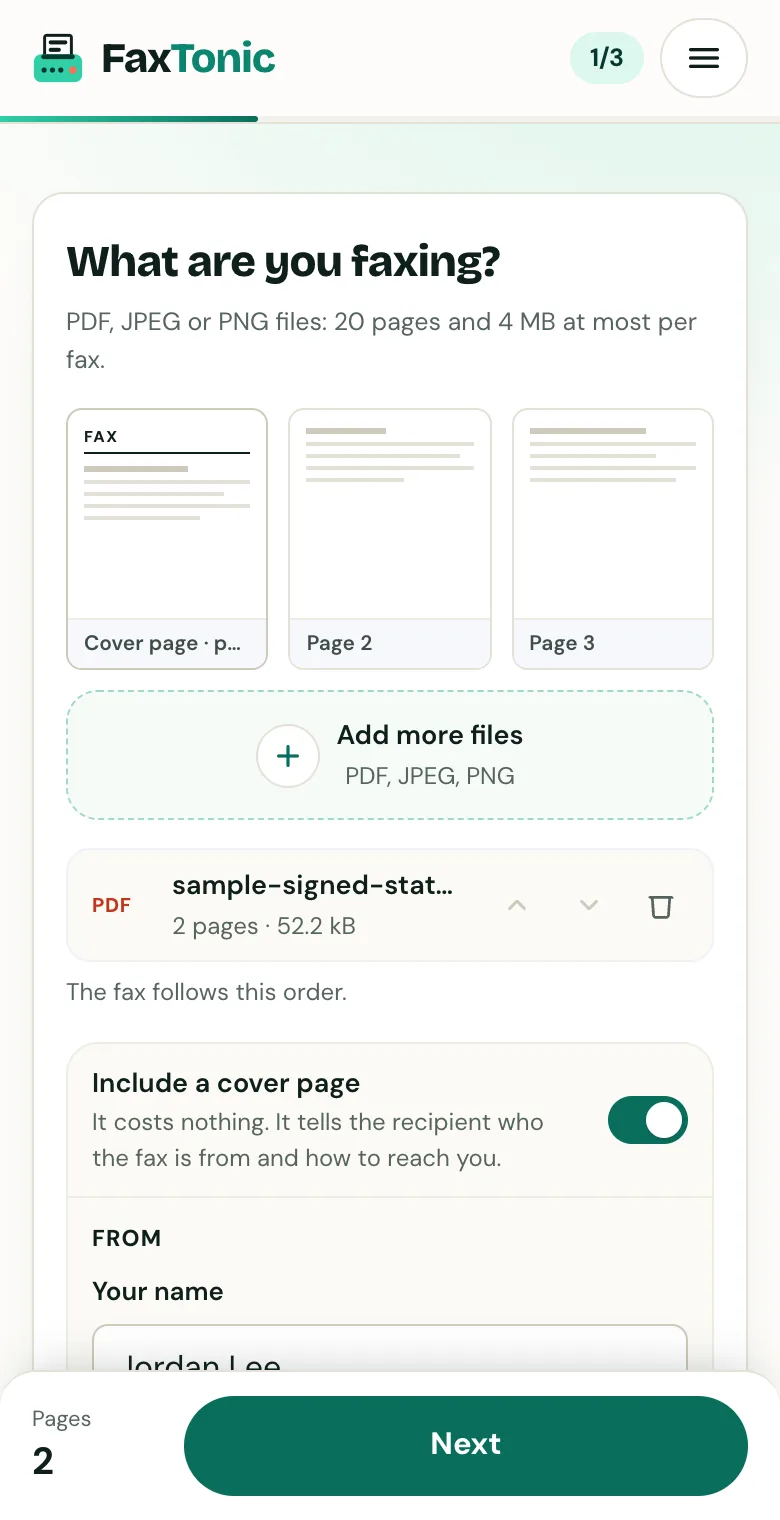
Add your file. The cover page is free, and you can turn it off.
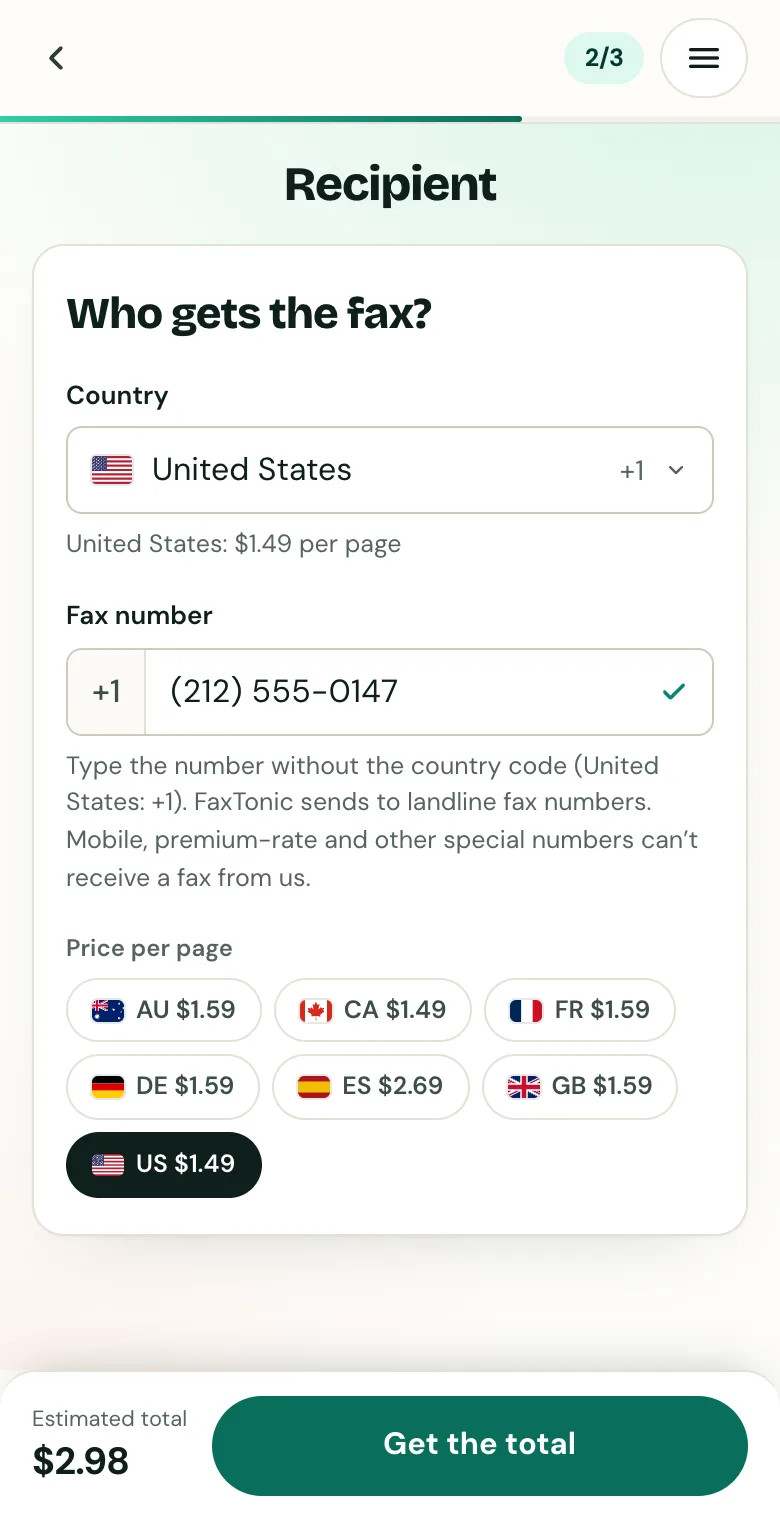
Pick the country and type the fax number.
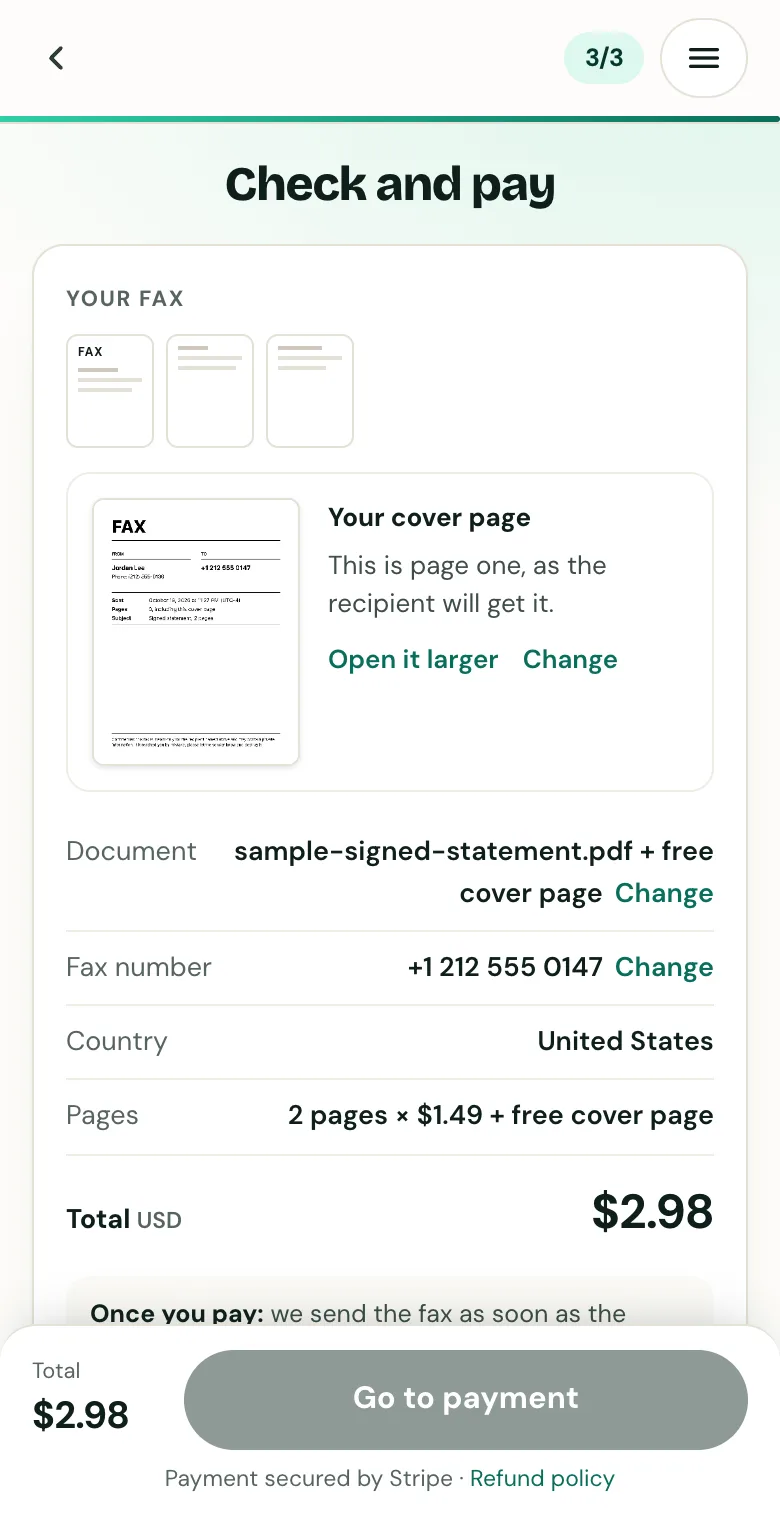
Check the cover page, the number and the total before you pay.
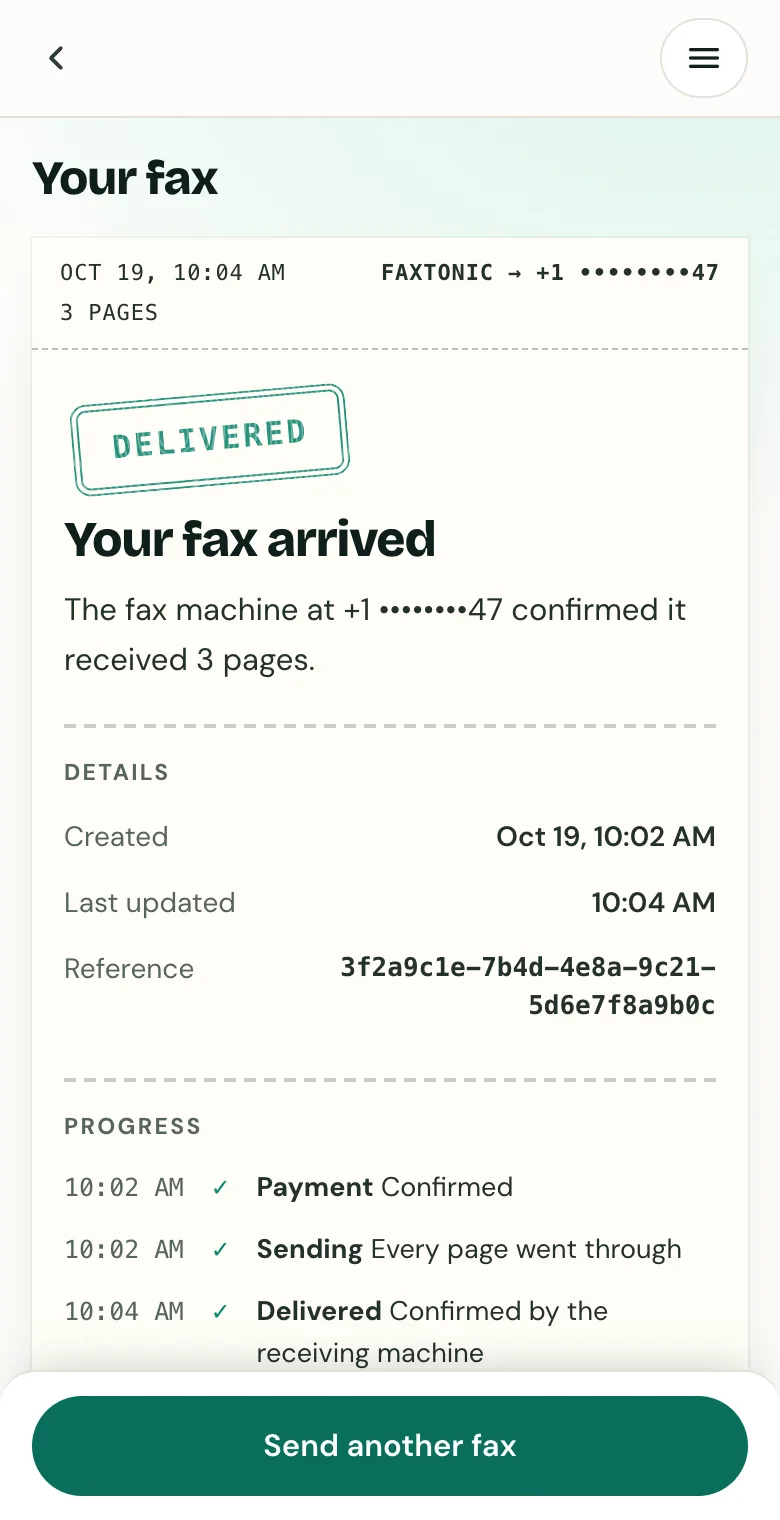
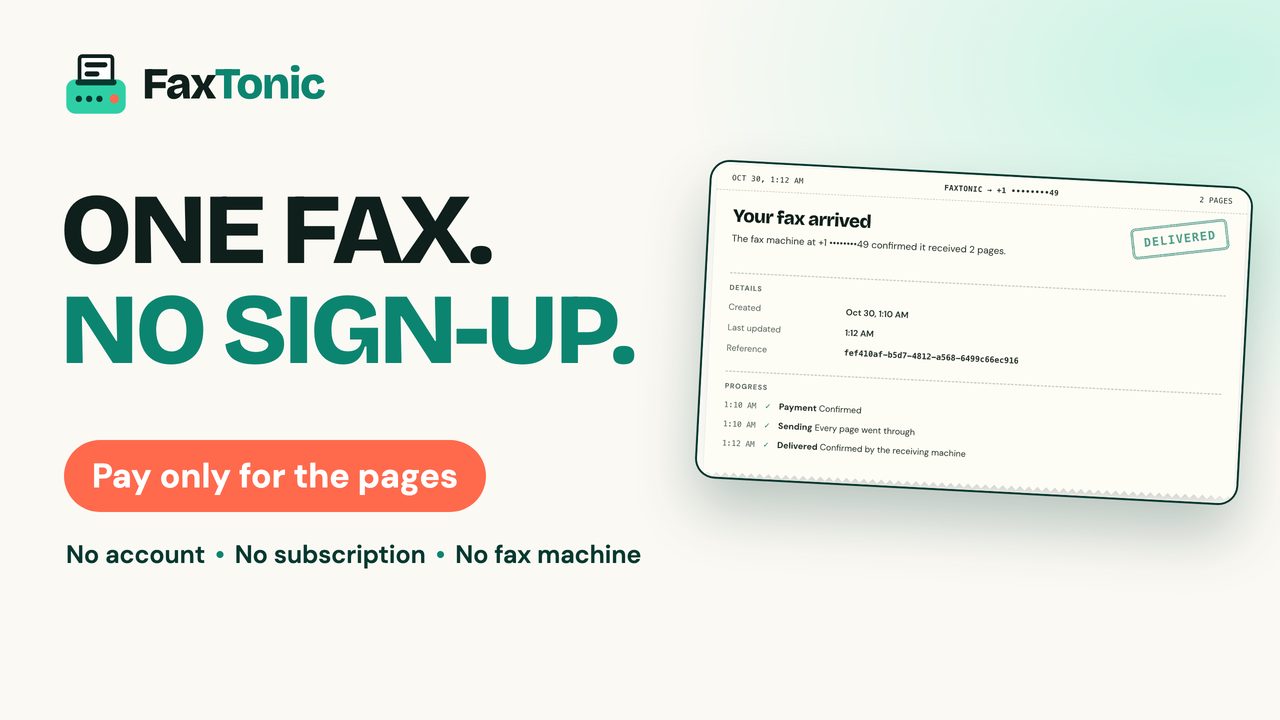
Track your fax: the status page shows when it’s delivered.
Official sources
FaxTonic is an independent fax service. It isn’t affiliated with or endorsed by any agency, insurer, court or company named in this guide. Fax numbers and rules change: when a letter or form gives you a fax number, use that one.